Real-time annotation, now live on Chrome

Annotate the hell out of everything.We'll handle the rest.

You find something worth keeping. You mark it up. You move on. Tossit takes it from there — stores it, connects it to everything else you've saved, and builds you a map of your own thinking.

Any surface

Page, PDF, doc, image

One link

To share and annotate live

Zero filing

AI organises as you go

Ask anything

Across all you've saved

Try it now · No account needed

Drop something.Right here. Right now.

A screenshot. A PDF. A link to a webpage you’re researching. Drop it in, leave a thought on it — and watch where it goes from there.

or paste a link

The actual difference

Your research, before and after.

Before Tossit
  • 14 browser tabs open, 6 of them "important"
  • Screenshots dumped into a folder called misc_final2
  • The insight you highlighted three weeks ago — gone
  • Shared a PDF over Slack. Got "which version?" back
  • Spent 40 minutes re-reading to find the one paragraph you needed
  • Your notes live in 4 apps that don't talk to each other
After Tossit
  • Drop the page. Pin the insight. Done. Tossit files it.
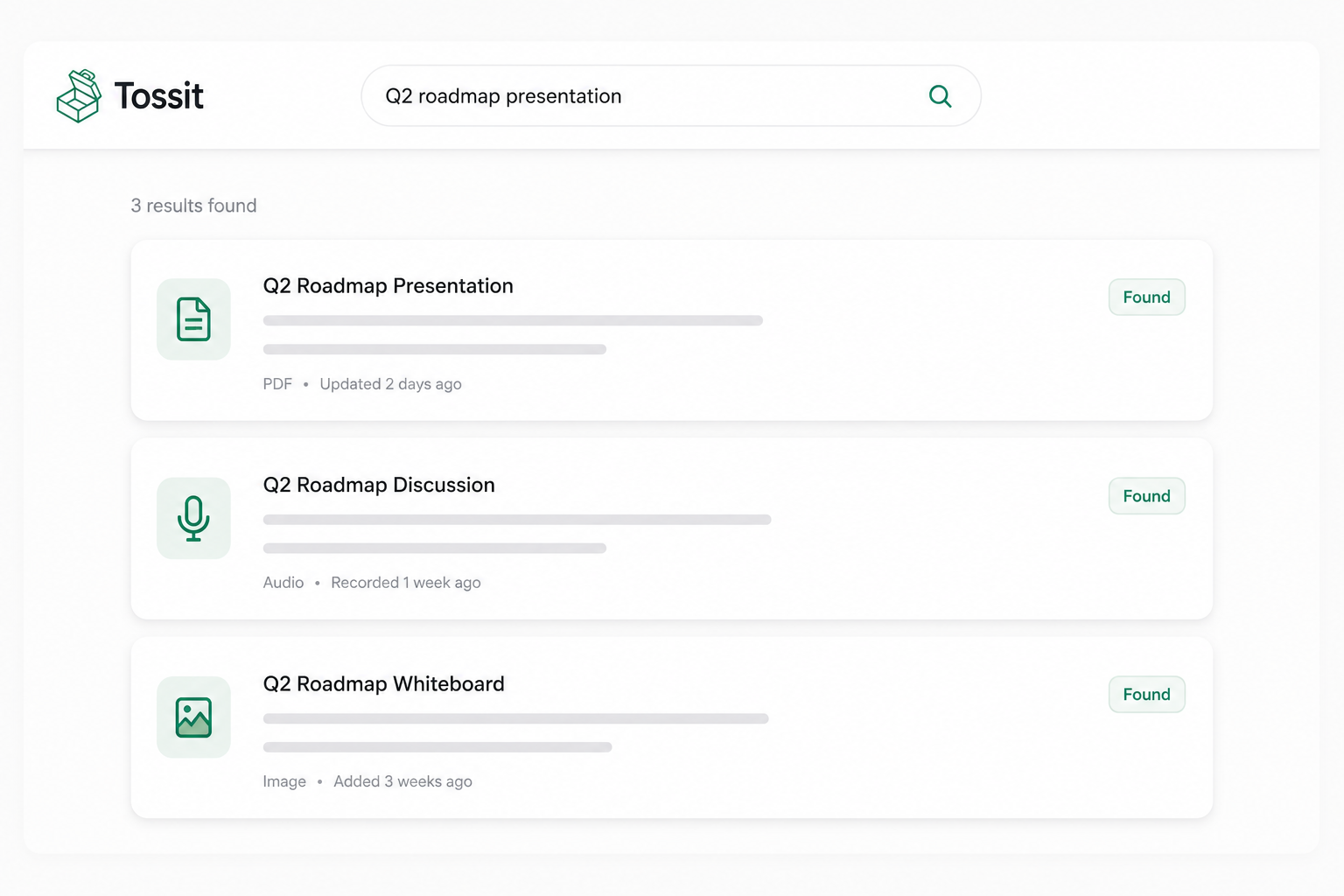
  • Every annotation searchable. Ask in plain English. Get the exact pin.
  • Share one link. They annotate the same thing, in real time, with you.
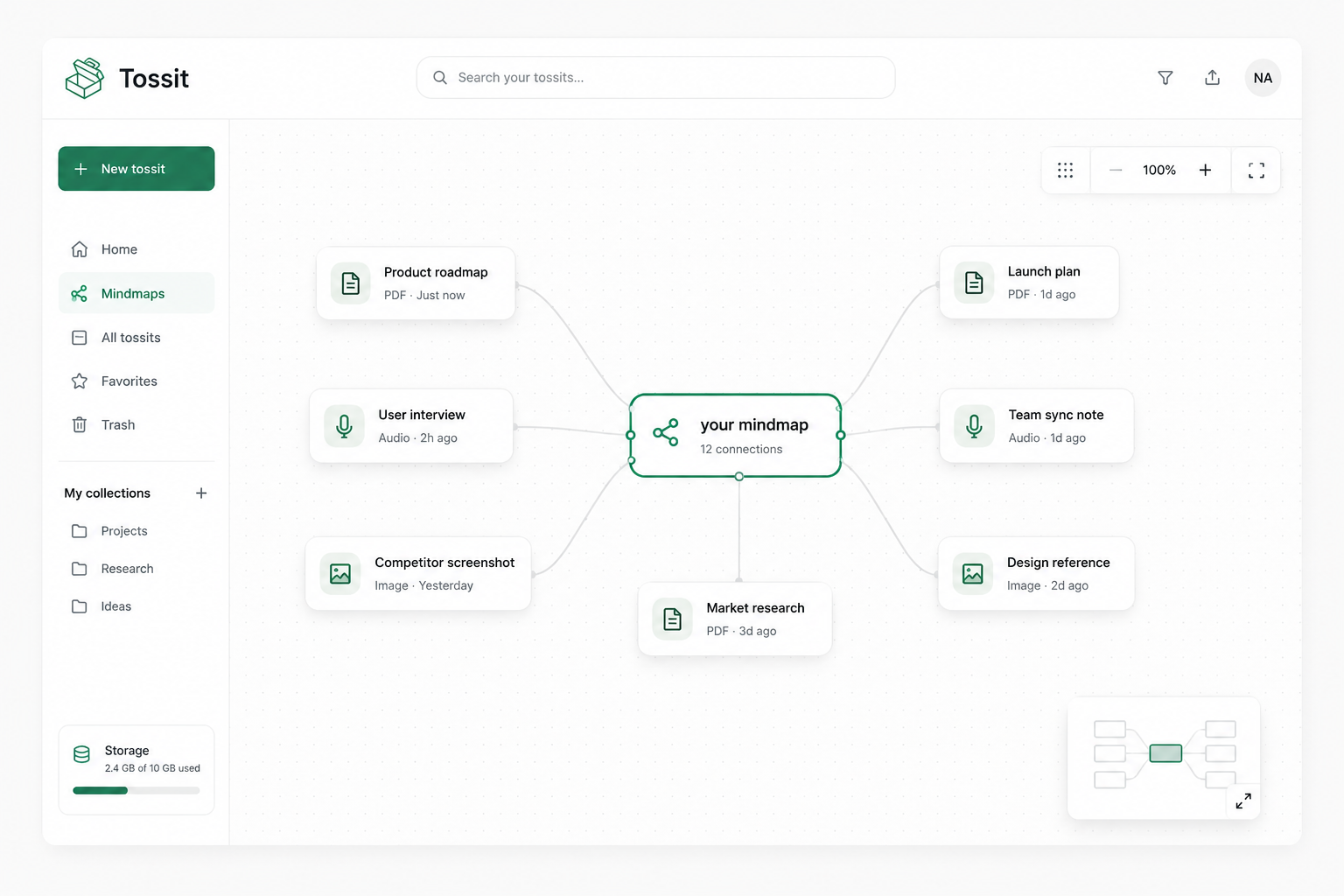
  • Your annotations become a mindmap — automatically. No organising.
  • AI pulls the right paragraph when you need it. Not the folder.
  • Works from the extension. Any page. Any time. Zero context switching.

What Tossit actually is

Your research brain,finally externalised.

Every time you annotate something in Tossit, the AI isn’t just storing it — it’s reading it, connecting it, placing it on a map of everything you’ve ever saved. Your highlight from last Tuesday becomes context for what you’re writing today. The voice note you left on that PDF three weeks ago surfaces when you search for a topic you didn’t know was related.

This is what a second brain is supposed to do. Not a folder. Not a note app. A layer of intelligence built from the actual work you were already doing — the annotations, the markups, the “I’ll come back to this” moments that usually vanish.

Drop anything, from anywhere. Your browser extension means you never leave the page you’re reading. And when you need it — you just ask. Plain English. The right answer. The thing you were going to lose anyway.

Join the waitlist

We’re still building this. The people testing it won’t stop talking about it.

How it works

Four moves. Everything else is automatic.

Step 01

Drop it

Webpage, PDF, image, doc. Drag it in or paste a link. From the extension, from anywhere. Nothing to install on the other end.

Paste a link

figma.com/file/Xy7q/briefAnnotate

Works with

Web pagesPDFsGoogle DocsImagesScreenshots
Nothing to install on the other end.

Pricing

One price.No tiers to squint at.

$5 a month. Everything. Try it free for 7 days — no card, no commitment, no sales call.

Pro · Early access
Limited-time launch price
$5/ mo per person

Locked in. We don't raise prices on people already here.

  • Unlimited storage — annotate without counting
  • Voice & video annotation on any surface
  • Real-time collaborative annotation — one link, annotate together
  • Auto-sync to Google Drive — zero fuss
  • AI mindmap built from your annotations automatically
  • AI search across everything you've ever saved
  • Browser extension — works from anywhere
  • A real human for support. Not a bot.

Limited-time launch price. Lock in $5 now — it won't stay this low, but it stays this low for you.

30 seconds to start

You do the thinking.Tossit does the rest.

Install the extension. Drop the next thing you find interesting. Leave one thought on it. That’s the whole onboarding. Your second brain starts building itself from there.